
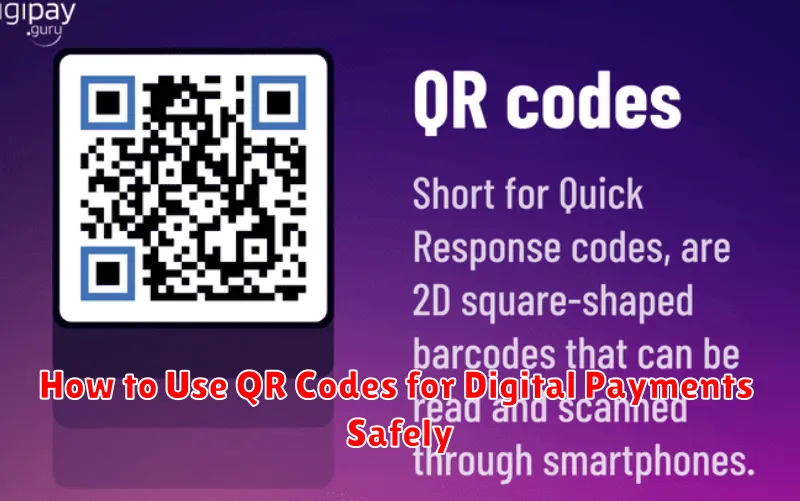
In today’s increasingly digital world, QR codes have emerged as a prominent tool for facilitating digital payments. Their ease of use and contactless nature have made them a popular choice for both consumers and businesses. However, with the rise in QR code usage for digital payments comes the crucial need to prioritize safety and security. This article will provide a comprehensive guide on how to utilize QR codes for digital payments while ensuring your financial information remains protected.
From understanding how QR codes function within the context of digital payments to identifying potential security risks and implementing effective safety measures, this guide will equip you with the knowledge necessary to make secure and informed digital payment decisions. We will cover best practices for scanning QR codes, verifying transaction details, and protecting yourself against fraudulent activities. By following these guidelines, you can confidently embrace the convenience of QR code digital payments while mitigating potential risks and safeguarding your financial well-being. Learn how to use QR codes for digital payments safely and securely.
Understanding QR Payment Systems
QR payment systems facilitate cashless transactions using Quick Response (QR) codes. These codes, essentially two-dimensional barcodes, store payment information. A customer uses their smartphone’s camera to scan the merchant’s QR code, initiating the transaction.
There are two primary types of QR payment systems:
- Merchant-presented mode: The customer scans a QR code displayed by the merchant, either physically or digitally. This is common for point-of-sale transactions.
- Customer-presented mode: The customer displays a QR code from their digital wallet, which the merchant scans using a reader. This method offers added security for the customer.
Once scanned, the QR code directs the customer’s banking app or digital wallet to process the payment. Security measures, such as encryption and tokenization, protect the transaction data. After confirmation, funds are transferred from the customer’s account to the merchant’s account.
Scan Only from Trusted Merchants
A crucial aspect of secure QR code payments involves verifying the legitimacy of the merchant. Only scan QR codes displayed by businesses you trust and recognize.
Be wary of QR codes found in unsolicited emails, flyers, or on less reputable websites. These could be fraudulent and designed to steal your financial information.
Verify the merchant’s identity before making a payment. Check for official branding, signage, and a secure payment gateway. If anything seems suspicious, it’s best to avoid scanning the QR code.
If you’re unsure about the authenticity of a QR code, it’s always safer to use an alternative payment method.
Verify Payment Details Carefully
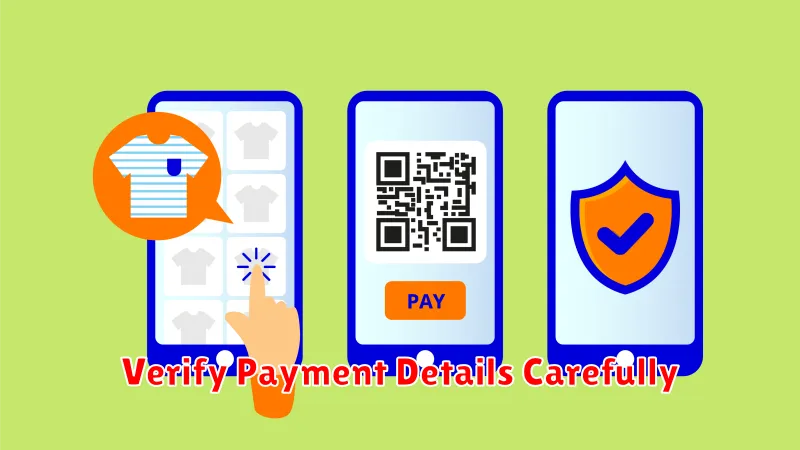
Before finalizing any QR code payment, meticulously review the payment details. This crucial step helps prevent unintended transactions or payments to the wrong recipient. Accuracy is paramount to ensure your money goes where it’s intended.
Key details to verify include the merchant’s name, the payment amount, and the transaction currency. If any information appears incorrect or suspicious, do not proceed with the payment. Contact the merchant directly to clarify any discrepancies.
Some payment apps display a confirmation screen summarizing the transaction details. Use this opportunity for a final verification. Never scan a QR code without knowing its purpose.
Avoid Scanning Random Codes
One of the most critical aspects of using QR codes for digital payments safely is to exercise caution and avoid scanning random codes. Unfamiliar QR codes, especially those found in unsolicited emails, flyers, or less reputable websites, can pose a significant security risk.
These malicious QR codes can redirect you to phishing websites designed to steal your financial information, such as login credentials or credit card details. They might also download malware onto your device, compromising your security and potentially granting hackers access to your sensitive data.
Always verify the source of the QR code before scanning it. If you are unsure about the legitimacy of a QR code, it is best to err on the side of caution and refrain from scanning it altogether.
Use Bank’s Official App Only
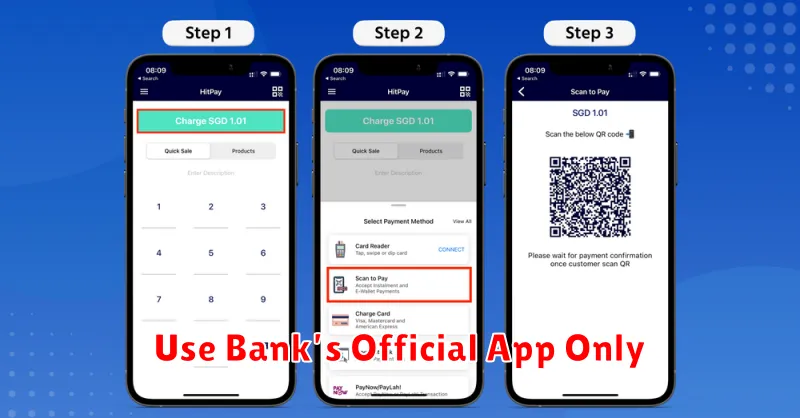
When making digital payments using QR codes, it is crucial to use only your bank’s official mobile application. Counterfeit apps designed to mimic legitimate banking apps can steal your financial information. These fake apps often appear genuine, making it difficult to distinguish them from the real thing.
To ensure you are using the correct app, download it directly from your bank’s official website or through verified app stores like the Apple App Store or Google Play Store. Avoid downloading apps from third-party sources or clicking on suspicious links.
Verify the app’s authenticity by checking for reviews, ratings, and developer information. Legitimate banking apps will have a significant number of downloads and positive reviews from verified users.
