
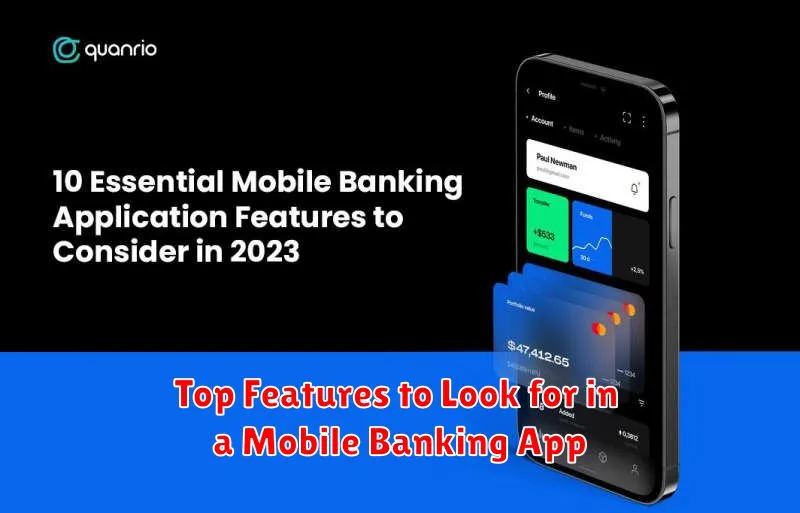
In today’s fast-paced world, mobile banking apps have become an indispensable tool for managing finances. Choosing the right app, however, can be overwhelming given the multitude of options available. This article will guide you through the top features to look for in a mobile banking app, enabling you to make an informed decision and select the best app to suit your financial needs. Understanding these key features will empower you to take full control of your banking experience directly from your mobile device.
From essential security features to convenient functionalities like mobile check deposit and person-to-person (P2P) payments, we’ll explore the must-have features of a robust and reliable mobile banking app. Whether you prioritize account balance checks, transaction history reviews, or advanced features such as budgeting tools and investment management, this guide will equip you with the knowledge to choose the perfect mobile banking app to simplify your financial life.
User-Friendly Interface
A critical aspect of a good mobile banking app is its user interface. It should be intuitive and easy to navigate, even for users less familiar with technology. A cluttered or confusing interface can lead to frustration and errors.
Look for apps with clear menus, well-organized features, and prominent buttons for frequently used tasks like checking balances and transferring funds. The app should be responsive and quick to load, providing a seamless and efficient user experience.
Consider whether the app offers customization options. The ability to personalize the app, such as arranging frequently used features or setting preferred alerts, enhances user satisfaction and makes banking more convenient.
Real-Time Notifications
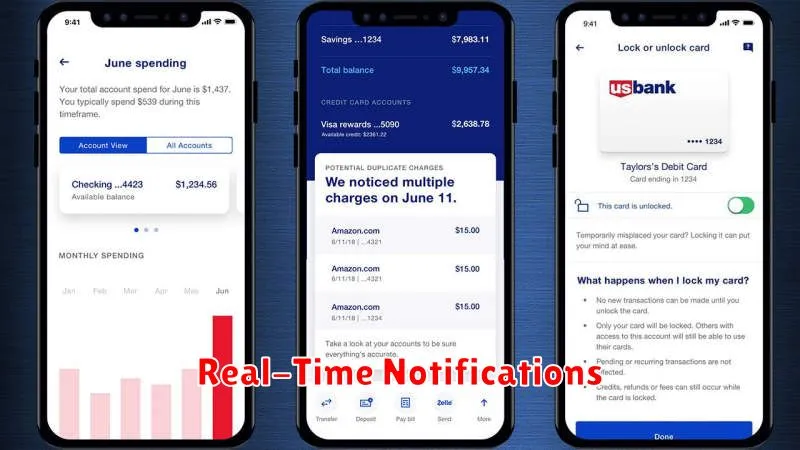
Stay informed about your finances with real-time notifications. This crucial feature provides instant updates on your account activity, giving you greater control and security.
These notifications can include alerts for:
- Deposits
- Withdrawals
- Card transactions
- Balance updates
- Suspicious activity
Real-time notifications allow you to quickly detect any unauthorized transactions and take immediate action. They also provide peace of mind by keeping you constantly aware of your account balance and transaction history.
Consider the customizability of these notifications. A good mobile banking app should allow you to select the types of alerts you receive, ensuring you only get the information that’s important to you.
Easy Fund Transfers
Effortless fund transfers are a cornerstone of modern mobile banking. Look for an app that enables quick and secure transfers between your own accounts and to external accounts.
Features like Zelle, or similar services, should be integrated for real-time transfers to friends and family. The ability to schedule recurring transfers is also a valuable tool for managing regular payments.
A well-designed app will make the transfer process intuitive and user-friendly, minimizing the number of steps required to complete a transaction. Clear confirmation screens and transaction histories are essential for maintaining accurate financial records. Look for robust security measures, such as two-factor authentication, to protect your funds during transfers.
Security and Biometric Access
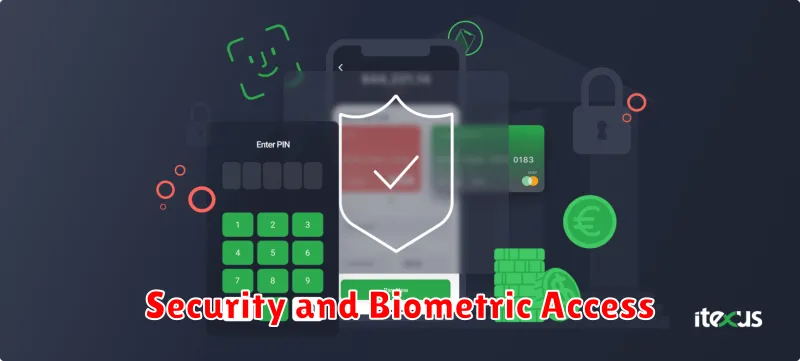
Security is paramount when choosing a mobile banking app. Look for apps that offer multi-factor authentication. This adds extra layers of protection beyond just a username and password. A strong password policy enforced by the app is also crucial.
Biometric access, such as fingerprint or facial recognition, provides a convenient and secure way to log in. While convenient, ensure the app allows you to disable this feature if you prefer and provides alternative secure login methods.
Consider whether the app supports transaction signing or authorization features for added security when making payments or transfers. These features provide an extra layer of confirmation, ensuring only authorized transactions are processed.
Budgeting Tools Integration
A robust mobile banking app should seamlessly integrate budgeting tools to empower users with greater financial control. These tools can range from simple expense trackers to sophisticated budgeting software linked directly to your accounts.
Look for features that allow you to set budgets across different categories, receive real-time spending alerts, and visualize your spending patterns with charts and graphs. The ability to set financial goals and track your progress towards them is another desirable feature.
Some apps even offer predictive budgeting, using past spending data to forecast future expenses. This can be invaluable for anticipating potential shortfalls and adjusting your spending habits accordingly. A well-integrated budgeting tool can transform your mobile banking app into a comprehensive personal finance management platform.
