
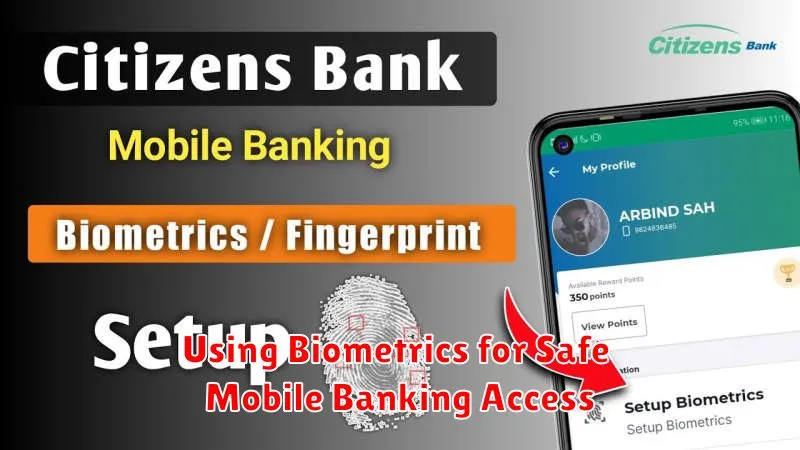
In today’s increasingly digital world, mobile banking has become an indispensable tool for managing finances. However, this convenience also presents a significant security challenge. Traditional methods of authentication, such as passwords and PINs, are vulnerable to various threats including phishing, keylogging, and brute-force attacks. Biometrics offers a robust solution to enhance the security of mobile banking access by leveraging unique biological identifiers. This article will delve into the benefits of using biometrics for safe mobile banking, examining the different types of biometric authentication available and their respective strengths and weaknesses.
Implementing biometric authentication significantly strengthens mobile banking security by replacing easily compromised passwords with inherently unique identifiers. From fingerprint scanning and facial recognition to voice recognition and iris scanning, biometrics provides a more secure and convenient method for mobile banking access. By understanding the various biometric modalities and their practical applications within mobile banking, individuals and financial institutions can make informed decisions about implementing these powerful security measures. This article will explore the landscape of biometric security in mobile banking, providing insights into the technologies and their potential impact on safeguarding financial transactions and user data.
Types of Biometric Authentication
Biometric authentication leverages unique biological traits to verify user identity. Several modalities exist, each with strengths and weaknesses.
Physiological Biometrics
These methods utilize physical characteristics. Fingerprint scanning is widely adopted due to its ease of use and relatively low cost. Facial recognition analyzes facial features, while iris scanning captures the intricate patterns of the iris. Vein recognition maps the unique vein patterns in a user’s hand or finger.
Behavioral Biometrics
These methods examine patterns in user behavior. Voice recognition analyzes vocal characteristics, while gait analysis studies walking patterns. Keystroke dynamics measures typing rhythm and speed. These are less common in mobile banking due to their higher complexity and susceptibility to environmental factors.
Fingerprint vs Face ID
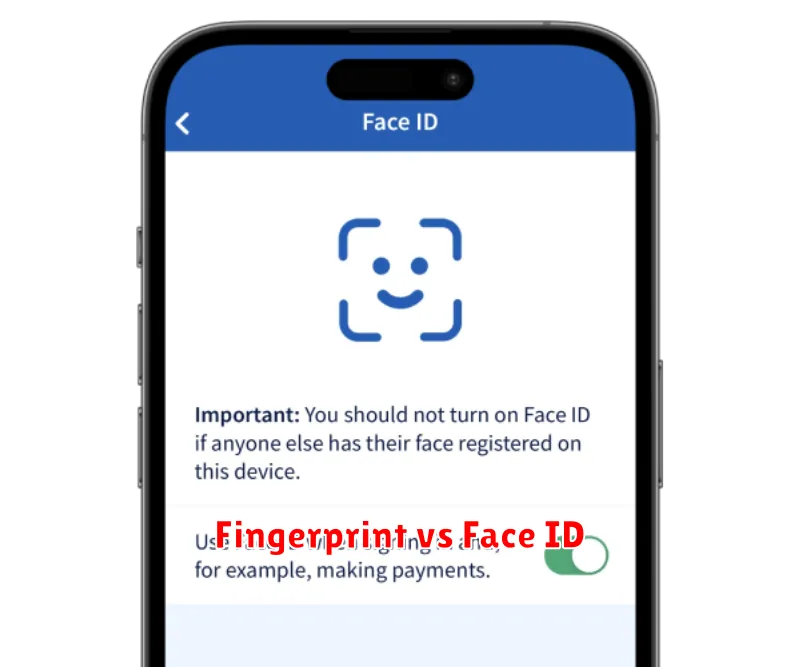
Both fingerprint and facial recognition offer convenient and secure ways to access mobile banking apps. Fingerprint scanning uses a capacitive sensor to create an image of your fingerprint’s ridges and valleys. This unique pattern is then used to authenticate your identity.
Face ID, on the other hand, utilizes a more complex system. It projects and analyzes thousands of invisible dots to create a depth map of your face. This 3D map, along with an infrared image, is used to verify your identity. This method is generally considered more secure due to the complexity of the data being analyzed.
While both offer improved security over traditional passwords, they have different strengths and weaknesses. Fingerprint sensors can sometimes be affected by wet or dirty fingers, while Face ID may struggle in low-light conditions or if the user’s appearance changes significantly (e.g., wearing a hat or glasses). Ultimately, the best choice depends on user preference and specific device capabilities.
Why Biometrics Are Secure
Biometrics offer a higher level of security compared to traditional methods like passwords or PINs. This is because biometric traits are unique to each individual and are difficult to replicate or steal.
Physiological biometrics, such as fingerprints or facial recognition, rely on physical characteristics. These are inherently complex and challenging to forge. Behavioral biometrics, like voice recognition or typing patterns, analyze unique behavioral traits, adding another layer of complexity.
Furthermore, many biometric systems use sophisticated algorithms and encryption techniques to store and process biometric data. This ensures that even if compromised, the data is unusable. Advanced techniques like liveness detection also help prevent spoofing attempts using photographs or recordings.
When to Avoid Biometric Logins
While biometrics offer a convenient and often secure method for mobile banking access, there are situations where relying solely on them might be unwise. Consider avoiding biometric logins in the following circumstances:
Shared Devices
If you share your mobile device with others, using biometric authentication can compromise your banking security. Anyone with access to your device could potentially gain access to your accounts. In such cases, using a strong password or PIN is a more secure approach.
Device Vulnerability
If your device has known security vulnerabilities or has been compromised in the past, avoid using biometrics. Malware could potentially intercept biometric data. A strong password offers an additional layer of security in these situations.
High-Risk Environments
In environments where you suspect your biometric data might be susceptible to surveillance or theft, relying on a password is recommended. Shoulder surfing or sophisticated spying techniques could potentially compromise your biometrics.
Backing Up with PIN or Password
While biometrics offer a convenient and secure way to access your mobile banking app, having a backup authentication method is crucial. This ensures you can still access your account if your biometric data is unavailable (e.g., a damaged fingerprint scanner or facial recognition issues).
A strong PIN or password serves as a robust backup. Do not use the same PIN or password for multiple accounts, and ensure it is complex enough to deter unauthorized access. A combination of uppercase and lowercase letters, numbers, and symbols is recommended.
Your chosen mobile banking app may offer the option to configure this backup method. Typically, this involves enabling PIN or password authentication within the app’s security settings. Carefully follow the instructions provided by your specific banking app for setting up this backup authentication.
